Read EPUB files aloud
Why pay for expensive audiobook subscriptions when you already own the ebook? Audeus fully supports non-DRM EPUB files, allowing book lovers to upload digital books and listen with lifelike AI narrators.
What is a Non-DRM EPUB?
EPUB is the global standard format for digital ebooks. Non-DRM means the book does not have Digital Rights Management (copyright locks). Books purchased directly from Amazon Kindle or Apple Books are heavily locked and cannot be uploaded to third-party apps. However, millions of free, public domain, or indie-published books are available as unlocked, non-DRM EPUBs.
How to Listen to EPUB Files
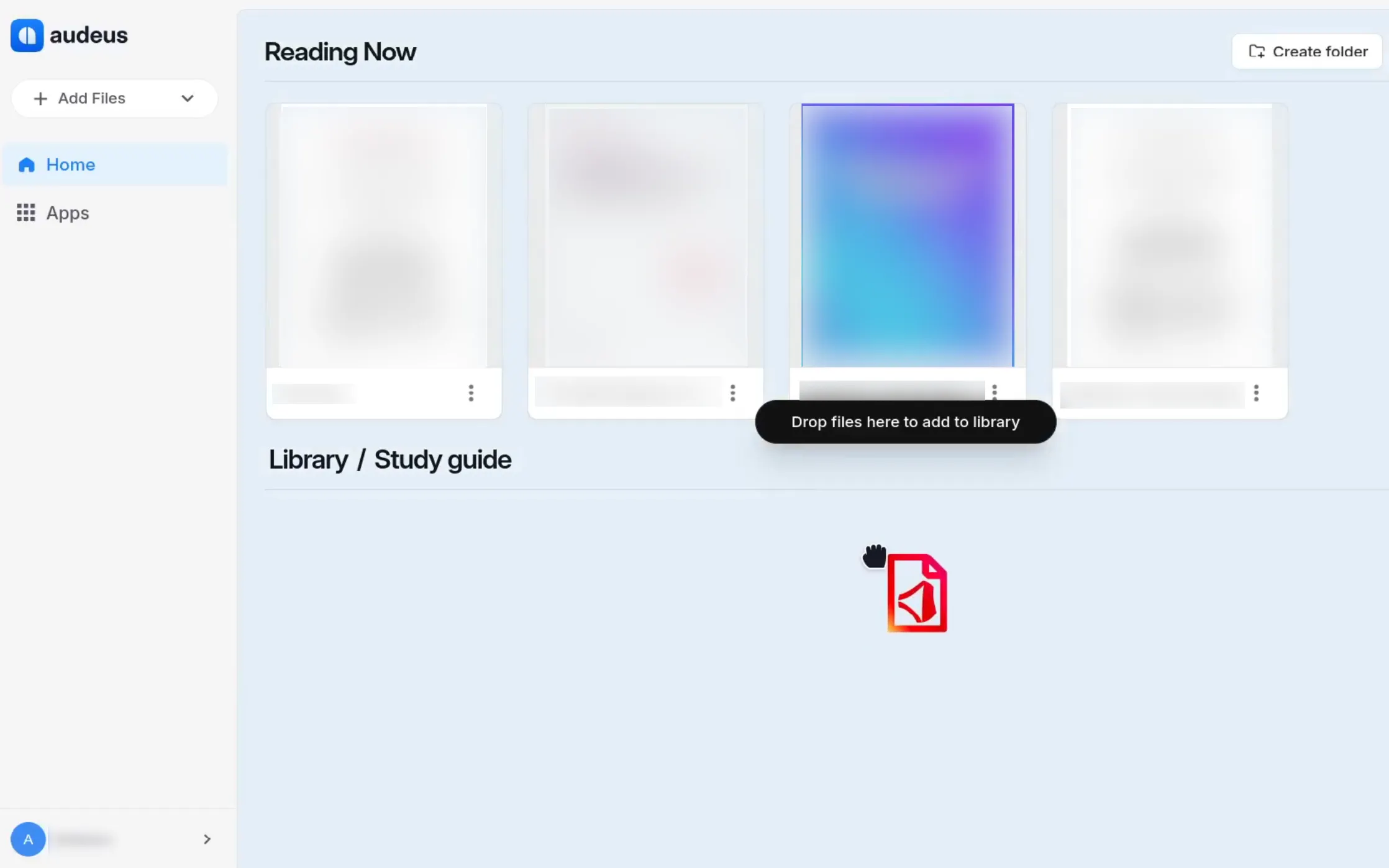
- Upload your EPUB file to your Audeus library via the Web Reader or mobile app.
- Audeus will automatically pull in the book's details (like the Title, Author, and Cover Art) and format the text for optimal reading.
- Click on the book to open it and press Play.
Navigate EPUB Chapters with the Table of Contents
Unlike basic text files, EPUBs are structured with chapters. Audeus automatically recognizes this structure.
When you open an EPUB, click the Table of Contents icon in the top navigation bar. You will see a perfectly formatted list of every chapter in the book. Click on any chapter title to instantly skip the AI playback directly to that section. For section listening times, PDFs with a TOC, and what to do when a PDF has no outline, see Table of Contents and Section Time Estimates.
Frequently Asked Questions
Does Audeus support Kindle (MOBI or AZW3) formats?
Currently, Audeus natively supports the universal EPUB standard. To read Kindle files, you must first convert them to a non-DRM EPUB format using a free third-party tool like Calibre before uploading them to Audeus.
Can I listen to my ebooks on my mobile phone?
Yes, definitely! All EPUB books uploaded to your library sync automatically. You can download the Audeus app on your iOS or Android phone, access your books, and listen to them on the go. You can even download them to listen when you do not have an internet connection.
How does Audeus handle book covers and details?
When you upload an EPUB file, Audeus automatically finds and displays the book cover, author name, and book title in your library. This makes your collection look like a beautiful, organized personal bookshelf.
Can I change the font style and spacing for EPUB files?
Yes! Once you open your book, you can customize the appearance by changing the font style, adjusting the font size, and changing the spacing. You can even choose the OpenDyslexic font to make reading easier.
Is there a size limit for EPUB files I can upload?
Audeus easily handles large files up to 400 MB. Since EPUB ebook files are mostly text, they are typically very small, meaning you can store a massive library of books without running into file size limits.