Upload and Read PDF Files Aloud
PDFs are the most common format for reading, researching, and studying. The Audeus PDF Audio Reader is engineered to handle massive PDF files, instantly turning your textbooks, reports, and academic research papers into an immersive, natural-sounding listening experience. By importing your documents, you can listen to PDF audiobook files, customize the narration voice, and speed up your reading efficiency, whether you are a student working through course PDFs or reviewing long reports at work.
With Audeus, you can easily upload PDF to text to speech and read PDF files aloud on any device.
How to Upload and Read PDF Files
Adding your files to the digital library takes just seconds:
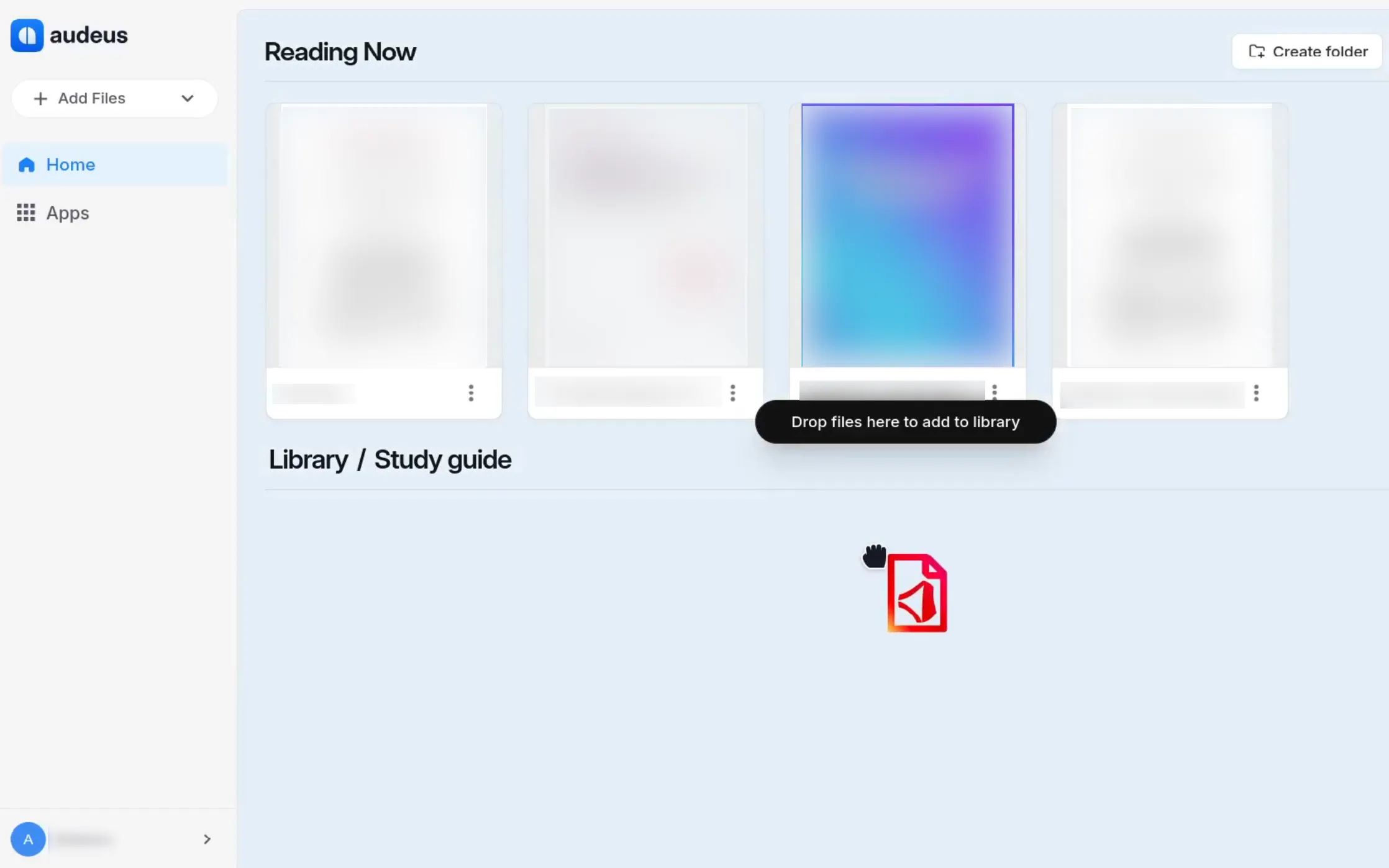
- Web Reader: Log into the Web Reader. Drag and drop your PDF file directly into the browser window, or click the Add Document button to select a file from your computer.
- Mobile App: Tap the Add (plus icon) on the mobile library screen (guides available for iOS and Android). Select Import File to browse your device storage, iCloud, or Google Drive for the PDF you wish to read.
- Browser Extension: When viewing a PDF file in Chrome, click the Browser Extension icon to load and read the file instantly.
Original Document Layout View
Unlike standard text-to-speech tools that strip away layout formatting, Audeus defaults to displaying the Original Document Layout PDF. This means you will see the exact PDF page, complete with your original double-column text, tables, margins, charts, and graphs.
The PDF voice reader seamlessly connects the spoken words with the exact text on your screen. This creates a highly engaging reading experience:
- Word-by-Word Highlighting: Follow along visually as the voice reader speaks. You can learn more in the guide on how to Customize Word-by-Word Highlighting.
- Closed Captions View: Focus on a clean subtitles drawer at the bottom of your screen by reviewing the guide on how to Enable TTS Closed Captions.
- Non-Linear Navigation: Skip paragraphs or jump directly to any sentence on the page. Read how this works in the Click-to-Jump Guide.
Reader Mode and Smart Skips for Complex PDFs
For multi-column academic papers, journals, or documents containing heavy headers and footers, Audeus provides advanced visual and auditory controls:
- Reader Mode: Switch from the original page view to a clean, single-column text layout. This allows you to scale the font size and change reader themes easily. Read the guide on how to toggle Reader Mode.
- Smart Skips: Ignore distracting document noise such as page numbers, header text, and footnotes. Learn how to configure this in the guide to Smart Skips: Uninterrupted Reading.
Frequently Asked Questions
Can I listen to PDFs on my phone?
Yes. You can easily listen to your documents on mobile devices by downloading the Audeus iOS or Android app. The mobile PDF reader syncs with your web library, allowing you to import files directly from your phone's storage and listen to them while commuting or exercising.
Is there a file size limit for uploading PDFs?
Audeus supports uploads of large files up to 400 MB. This allows you to easily drag and drop complete textbooks, detailed research journals, and long PDF documents into your library without worrying about strict page limits.
Can Audeus read scientific papers and academic journals?
Yes. Audeus is designed to handle complex academic formats, making it an excellent tool for researchers and students. It intelligently navigates dense scientific papers, ensuring that you can listen to complex research material without getting lost in the formatting.
Can Audeus read two-column papers?
Absolutely. Our PDF reader automatically detects and parses multi-column layouts. It will seamlessly read the left column top-to-bottom before smoothly transitioning to the right column, all while preserving the original layout of your document so you can follow along.
Can Audeus read scanned PDF documents?
If your PDF is an image or a scanned document, it is automatically converted into readable text using our built-in text recognition scanner. For more details on this capability, read the guide on how to Read Scanned PDFs with OCR.