Scan Images and Read Physical Books Aloud
Not all reading material is available as selectable text. If you have an infographic, a screenshot, or a physical textbook, Audeus uses Optical Character Recognition (OCR) to convert those images into high-quality spoken audio, which is a common path for students working from print handouts.
How to Upload and Read Images on the Web
You can import screenshot and image files directly from your computer:
- Log into the Audeus Web Reader.
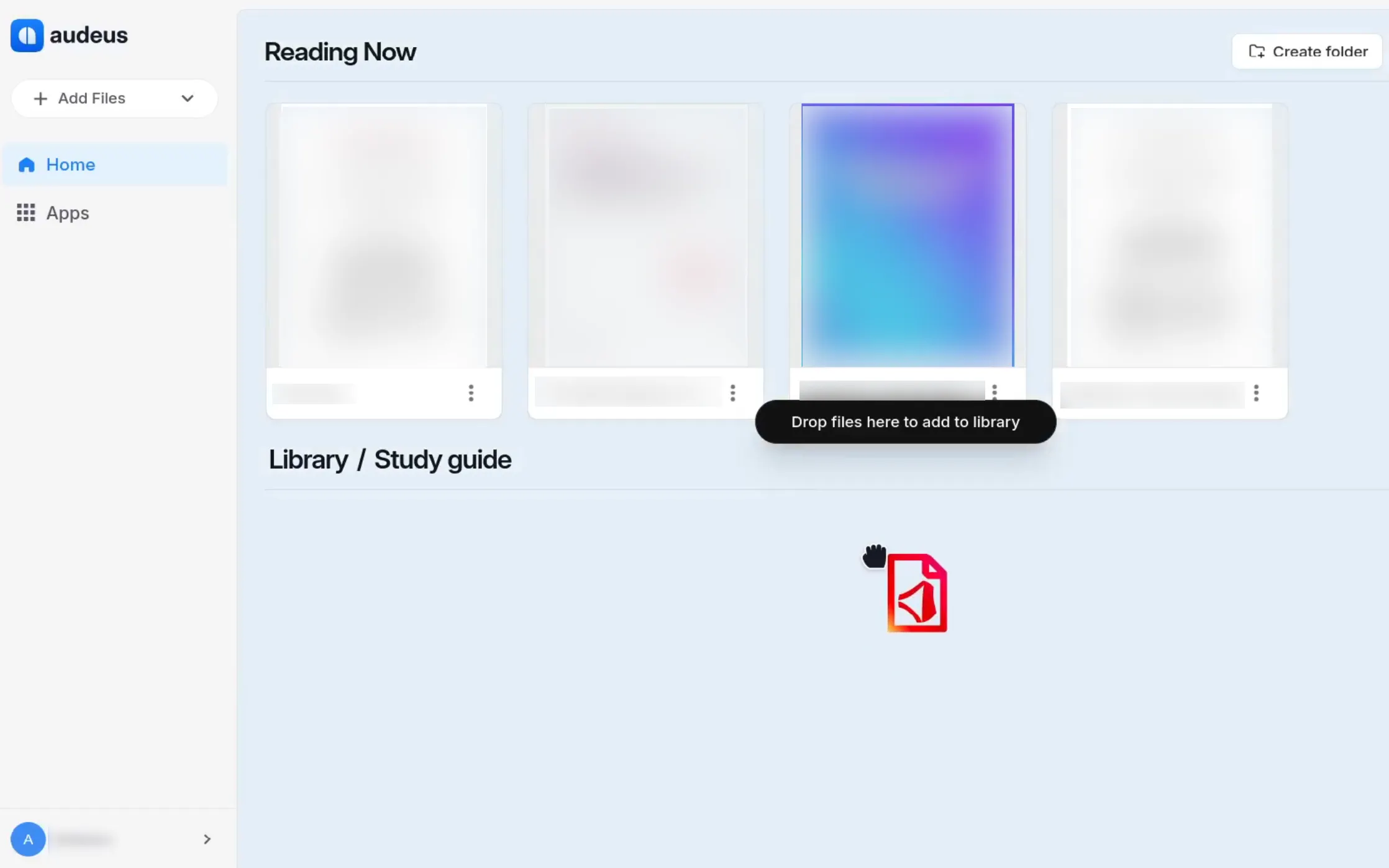
- Click the Add files button on the dashboard and select Images (or drag and drop your files directly into the browser).
- Select the image files (JPG, JPEG, PNG, or WEBP) from your device.
- Audeus instantly processes the image, extracts the text, and opens the document in your library, ready to play.
How to Scan Physical Books on Mobile
The Audeus mobile app (guides available for iOS and Android) acts as a portable book scanner:
- Tap the Add (plus) icon on the mobile library screen.
- Select Scan document to open the camera, or select Upload photos to import images from your camera roll.
- Snap photos of the pages you want to read. You can capture multiple pages in a row to scan a full chapter or article.
- In the document creator screen, you can delete pages, reorder pages by dragging them, or add new snaps.
- Tap save to compile the images into a single, clean document in your library. Audeus processes the pages and plays the audio back seamlessly.
Best Use Cases for Scanning Images
- Printed Textbooks and Course Reserves: Turn physical library books and study worksheets into custom audiobooks.
- Locked PDFs and Infographics: Extract text from images, locked documents, or graphics where copying text is disabled.
- Meeting Notes and Whiteboards: Snap photos of whiteboards, brainstorming sessions, or printed handouts to listen to them later.
Frequently Asked Questions
How does Audeus handle double-column textbooks?
Our OCR scanner is optimized for academic books. It automatically detects double-column layouts, reading down the first column completely before moving to the next.
Does OCR work on handwritten notes?
Yes! Audeus scans clear handwritten notes, whiteboards, or recipes, as long as the writing is legible and the photo is well-lit. For a notes-focused walkthrough, see Handwriting Recognition with OCR.
Can I upload multiple screenshots at once?
Yes! You can drag and drop multiple image files into the Web Reader. In the mobile app, you can reorder, rotate, or delete scanned pages in the editor before creating a single document.
What image file formats are supported?
Audeus supports all standard image formats including JPG, JPEG, PNG, and WEBP.
Can I highlight and add annotations to scanned images?
Yes, absolutely! Once Audeus compiles your scans into a library document, you can use all standard tools to highlight paragraphs, take notes, and draw on pages just like a normal PDF.