Scrubber Bar Time Estimates and Playback Speed
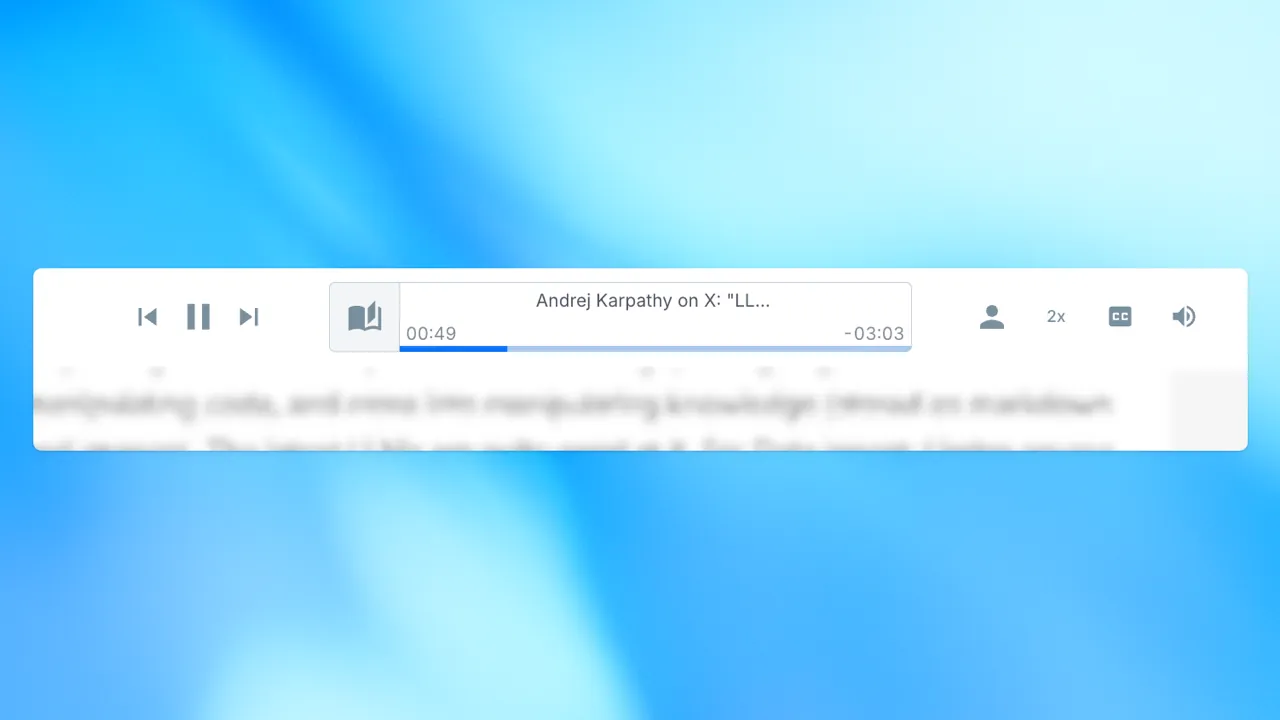
The Audeus player scrubber (progress bar) shows where you are in a document and how much listening time remains. Those time labels are not fixed wall-clock values for the raw text: they update with your playback speed so the estimate matches how long it will take to finish at your current pace.
How Estimates Relate to Playback Speed
Audeus estimates how long the remaining (and elapsed) audio would take at 1x, then divides by your speed multiplier.
- At 1x, the scrubber times match the baseline listening estimate.
- At 2x, the same remaining content shows roughly half the time, because you are listening twice as fast.
- At 0.5x, remaining time roughly doubles, because you are listening half as fast.
When you change speed, the elapsed and remaining labels on the scrubber refresh immediately so you can plan the rest of the document at the new rate.
Change Speed on Web and Mobile
- Web: Use the speed control in the bottom player toolbar. Full steps are in Adjust Voice & Reading Speed (Web).
- Mobile: Use the speed control in the mobile player. Full steps are in Adjust Voice & Reading Speed (Mobile).
You can also drag the scrubber to jump elsewhere in the document timeline, similar to scrubbing a podcast. For jumping by tapping text instead of the bar, see Click-to-Jump.
Why This Matters
Accurate remaining-time estimates help you decide whether a chapter fits into a commute, study block, or work break.
- ADHD listeners often use time estimates to counter time blindness and plan reading sessions.
- Students can see how long an assignment will take at their preferred speed.
- Professionals can fit reports and briefs into short windows by raising speed and watching the scrubber update.
Section-level listening times in the table of contents use the same speed relationship. See Table of Contents and Section Time Estimates.
Frequently Asked Questions
Why did my remaining time shrink when I raised the speed?
Because the estimate is listening time at your current speed. Faster playback finishes the same text sooner, so remaining time decreases.
Do scrubber times sync across devices?
Your playback speed preference syncs with your account. Open the same document on another device and the estimates follow the speed loaded for that session.
Is scrubber time the same as section estimates in the TOC?
They use the same speed math. The scrubber covers the whole document position; TOC entries show per-section listening time. Details are in Table of Contents and Section Time Estimates.
Does the scrubber work the same on mobile and the Web Reader?
Yes. Both surfaces show elapsed and remaining listening time that scales with playback speed. Change speed with the player controls on either surface.
Can I jump by tapping text instead of dragging the scrubber?
Yes. Use Click-to-Jump to move playback to a sentence or paragraph while the scrubber continues to reflect your new position.