Reader Mode for PDFs
Reading a PDF with its original design is great, but heavy formatting, columns, and lots of images can sometimes cause visual fatigue. To help with this, Audeus offers a Reader Mode that brings the words front and center, creating a calm and focused reading space. This makes it incredibly easy to listen to your documents like an audiobook or use our voice reader to read your files aloud.
How to Enable Reader Mode
You can turn on Reader Mode in just a few clicks, whether you are on your computer or phone.
Step 1: Open Your PDF
Open any PDF in the Audeus Web Reader or on the Audeus mobile app.
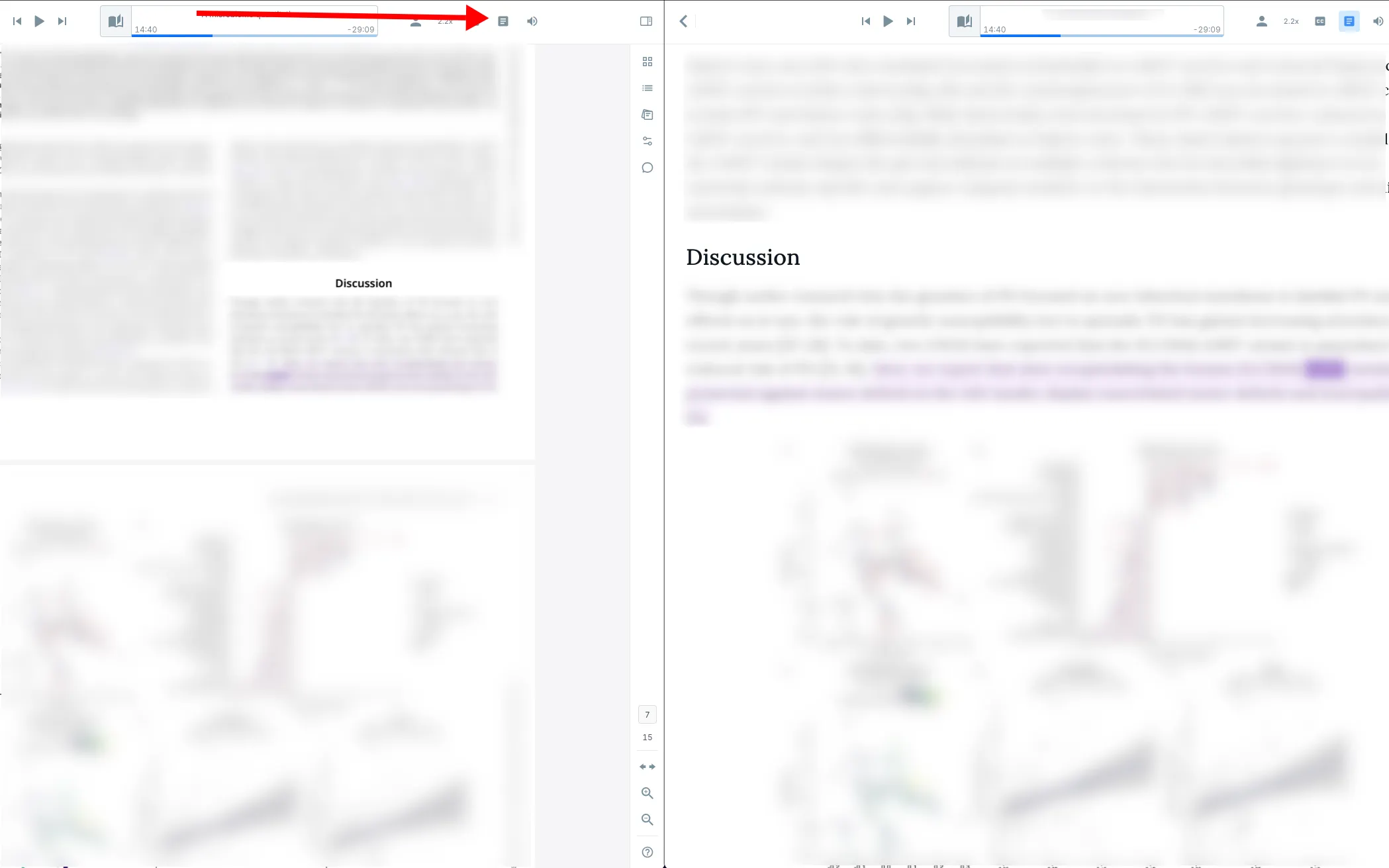
Step 2: Click the Reader Mode Icon
Locate the Reader Mode icon (it looks like a document page) in the top navigation bar. Click or tap this icon to switch from the original layout and enter Reader Mode.
The Benefits of Reader Mode
Using Reader Mode unlocks our full suite of helpful reading tools. Once you switch over, you can:
- Change the Font: Switch to the dyslexia-friendly OpenDyslexic font, or make the text size much larger without the words running off the edge of your screen.
- Read Better on Mobile: Say goodbye to zooming and panning on your phone! The words automatically wrap to fit your screen size perfectly.
- Enable Dark Mode: Turn the background black and the text white to give your eyes a rest during late-night study sessions.
Frequently Asked Questions
Are the images from my PDF preserved in Reader Mode?
Your images remain fully intact! Reader Mode temporarily hides the images to give you a smooth, reading-focused experience. You can switch back to the original layout at any time to view your charts and graphs without losing your place in the audio.
Can I still take notes and highlight in Reader Mode?
Yes, absolutely! All of your highlights, bookmarks, and notes work perfectly in Reader Mode. Anything you add will seamlessly carry over if you decide to switch back to the original layout.
Does Reader Mode work offline on the mobile app?
Yes, once your PDF is downloaded to your device, you can toggle Reader Mode on and off even without an internet connection.